
Your data
Indexes
Keep filters and sorts fast as a collection grows: create, inspect and delete MongoDB indexes from the console, with the unique, TTL and full-text patterns.
Without an index, a filter scans every document in the collection. That is fine for a thousand documents and slow for a million. An index keeps the values of a field sorted, so a filter or a sort on that field jumps straight to the documents it needs. Indexes also give you two rules for free: a unique index refuses duplicates, and a TTL index deletes documents after a time.
Every collection has an index on _id already. The rest you add under Indexes.
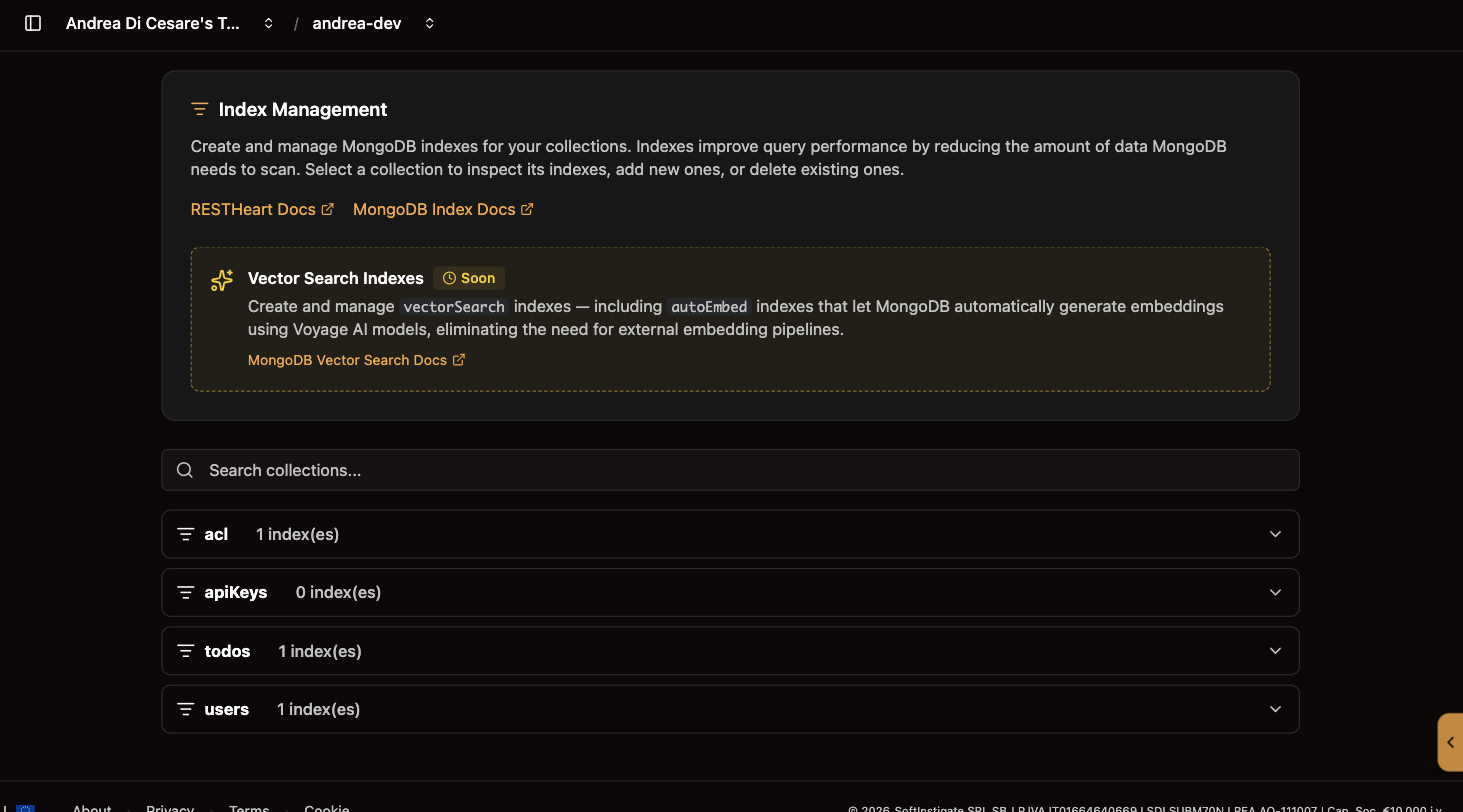
Create an index
-
Open Indexes and expand the collection.
-
Click New Index and give it a name, such as
email-uniqueorcategory-price. -
Type the Keys: which fields, and
1for ascending,-1for descending, or"text"for full-text search. -
Add Options if you need them, and Save.
Both fields are JSON, checked as you type. Building an index on a collection that already has data takes a moment.
| Option | What it does |
|---|---|
|
Refuses a document whose value already exists in another. Fails with |
|
Indexes only documents that have the field. With |
|
Makes it a TTL index: a document is deleted that many seconds after the date in the indexed field. |
|
The index’s name. The console sets it from the field you type. |
The patterns that cover most apps
| Keys and options | Use it for |
|---|---|
|
A filter on one field, such as |
|
A filter on the first field and a sort on the second, such as |
|
No two documents with the same email. |
|
Unique when present, optional otherwise. |
|
Sessions, tokens, logs: gone when |
|
Keyword search with |
Change or delete an index
An index cannot be edited. To change one, delete it and create it again with the new definition. The Delete action asks for confirmation and is immediate; until you create a replacement, queries that used it scan the collection. The _id index cannot be deleted.
From a script
| Operation | API |
|---|---|
List |
|
Create |
|
Delete |
|
A 406 Not Acceptable on create means the definition was refused: duplicates under a unique index, or a name already used by a different index. The response says which. With rhc, indexes are part of the setup file and are created with the rest of the service.
Related pages
-
Collections and documents: the filters and sorts the indexes speed up.
-
Schemas: rules on one document. A unique index is a rule across documents.
-
Constraints: rules across the whole collection that an index cannot express.