
Your data
Aggregations
Reports, counts and grouped data computed by MongoDB: define a pipeline once in the console, test it, and call it from your app by name.
Sales by region, orders by status, the ten most active users: that is an aggregation, a pipeline of MongoDB stages that MongoDB runs for you. You define it once under Aggregations, give it a name, and your app calls it by that name. The app never sends a query, so it can only run what you approved, and the logic lives in one place for every client.
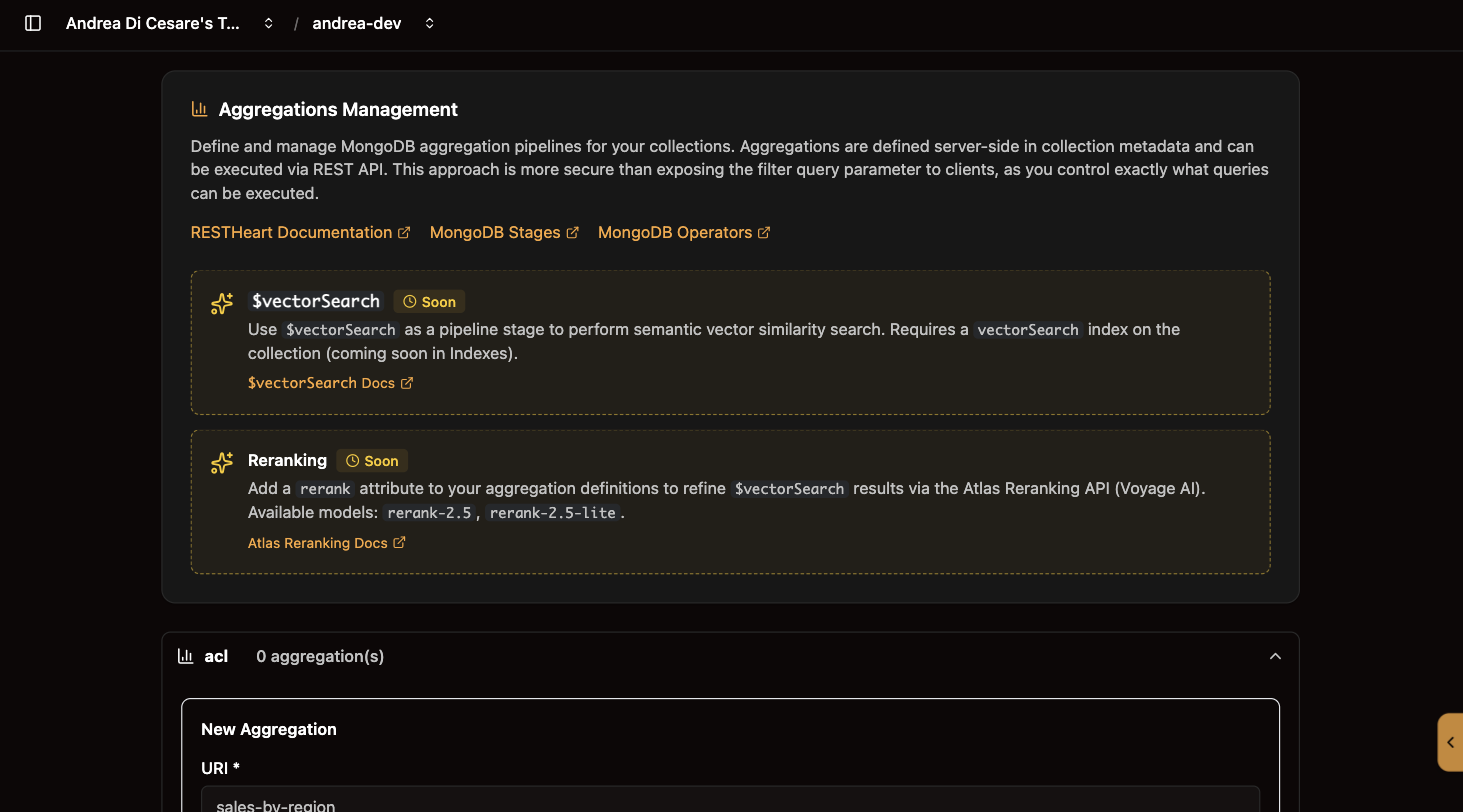
Define one
-
Open Aggregations and expand the collection.
-
Click Add Aggregation.
-
Give it a uri: the name it will be called by, unique in the collection.
sales-by-region,count-by-status. -
Write the stages: the pipeline, as a JSON array.
-
Run it to see what it returns, then Save.
[
  { "$match": { "status": "completed" } },
  { "$group": { "_id": "$region", "total": { "$sum": "$amount" } } },
  { "$sort": { "total": -1 } }
]
The editor helps: Add template starts you off, Add pagination appends $skip and $limit stages driven by parameters, and Format tidies the JSON and points at a mistake. Run executes the pipeline against the collection as it stands, before you save, with the service’s own security checks. It refuses $out and $merge, so it can look but not write.
Saving takes effect at once. The uri cannot be changed afterwards, since it is part of the address your app calls; the stages can.
Call it from your app
GET /<collection>/_aggrs/<uri>?page=1&pagesize=20const res = await fetch('https://f3a9c1.eu-central-1-free-1.restheart.com/orders/_aggrs/sales-by-region', {
headers: { Authorization: 'Basic ' + btoa('alice:secret') }
});
const rows = await res.json();The user needs a permission that allows GET on that path, like any other read. Results are paged with page and pagesize.
Parameters
A pipeline can read values from the request with $var, so one definition serves many questions:
[
  { "$match": { "region": { "$var": "region" }, "amount": { "$gt": { "$var": "minAmount" } } } },
  { "$count": "total" }
]
The app passes them as avars, a JSON object in the query string:
const avars = encodeURIComponent(JSON.stringify({ region: 'europe', minAmount: 1000 }));
const res = await fetch(`https://f3a9c1.eu-central-1-free-1.restheart.com/orders/_aggrs/sales-by-region?avars=${avars}`);
In the editor, when the pipeline uses $var, a Parameters for the run box appears. Fill in the ones this pipeline uses writes the skeleton with every name the pipeline reads. $ifvar includes a stage only when a parameter is present; the editor’s Variables and optional stages panel shows both with the predefined names.
Large pipelines
MongoDB gives a pipeline 100 MB of memory. A $group or $sort over millions of documents can exceed it and fail. Turn on allowDiskUse for that pipeline and MongoDB spills to disk instead. Before you do, add an index on the fields your $match and $sort stages use: it usually removes the need.
From a script
Aggregations are stored in the collection’s metadata, in the aggrs array, so a script writes them with the rest of the collection’s settings:
| Operation | API |
|---|---|
Read the definitions |
|
Save them |
|
Run one |
|
With rhc, they are part of the setup file. The full stage reference, with the operators RESTHeart adds, is in the aggregations reference.
Related pages
-
Constraints: the same pipeline editor, used to write rules a write cannot break.
-
MCP server: an aggregation you publish becomes a tool an AI agent can call.
-
Permissions: who may call which aggregation.