
Build
GraphQL applications
Give your app a GraphQL endpoint over your collections without writing resolvers: a schema, a mapping from types to collections, and the endpoint is live.
A GraphQL app is a schema and a mapping. The schema says which types and queries your app can ask for; the mapping says which collection answers each one. Save it under GraphQL and the endpoint is live at /graphql/<uri>, with no resolver code. A service can host several apps, each with its own schema and address.
An app in one document
{
  "descriptor": { "name": "Shop", "description": "The shop's read API", "enabled": true, "uri": "shop" },
  "schema": "type Query { orders(status: String): [Order] } type Order { _id: String status: String total: Float customer: User } type User { _id: String name: String }",
  "mappings": {
    "Query": {
      "orders": { "db": "restheart", "collection": "orders", "find": { "status": { "$arg": "status" } } }
    },
    "Order": {
      "customer": { "db": "restheart", "collection": "users", "find": { "_id": { "$fk": "customerId" } } }
    }
  }
}-
descriptor: the name, the
urithe endpoint is served at, andenabled, which takes the app offline without deleting it. -
schema: the GraphQL SDL, as a string. Types, queries, and mutations if you want them.
-
mappings: for each type, how each field is resolved. A root field names a
dband acollectionand optionallyfind,sort,limitandskip.$argputs a query argument into the filter, soorders(status: "pending")becomesfind({status: "pending"}).$fktakes a value from the parent document, which is howOrder.customerlooks up the user: a join, declared in one line.
On Free and Shared the database is restheart. On Dedicated, name the one you use.
Create one
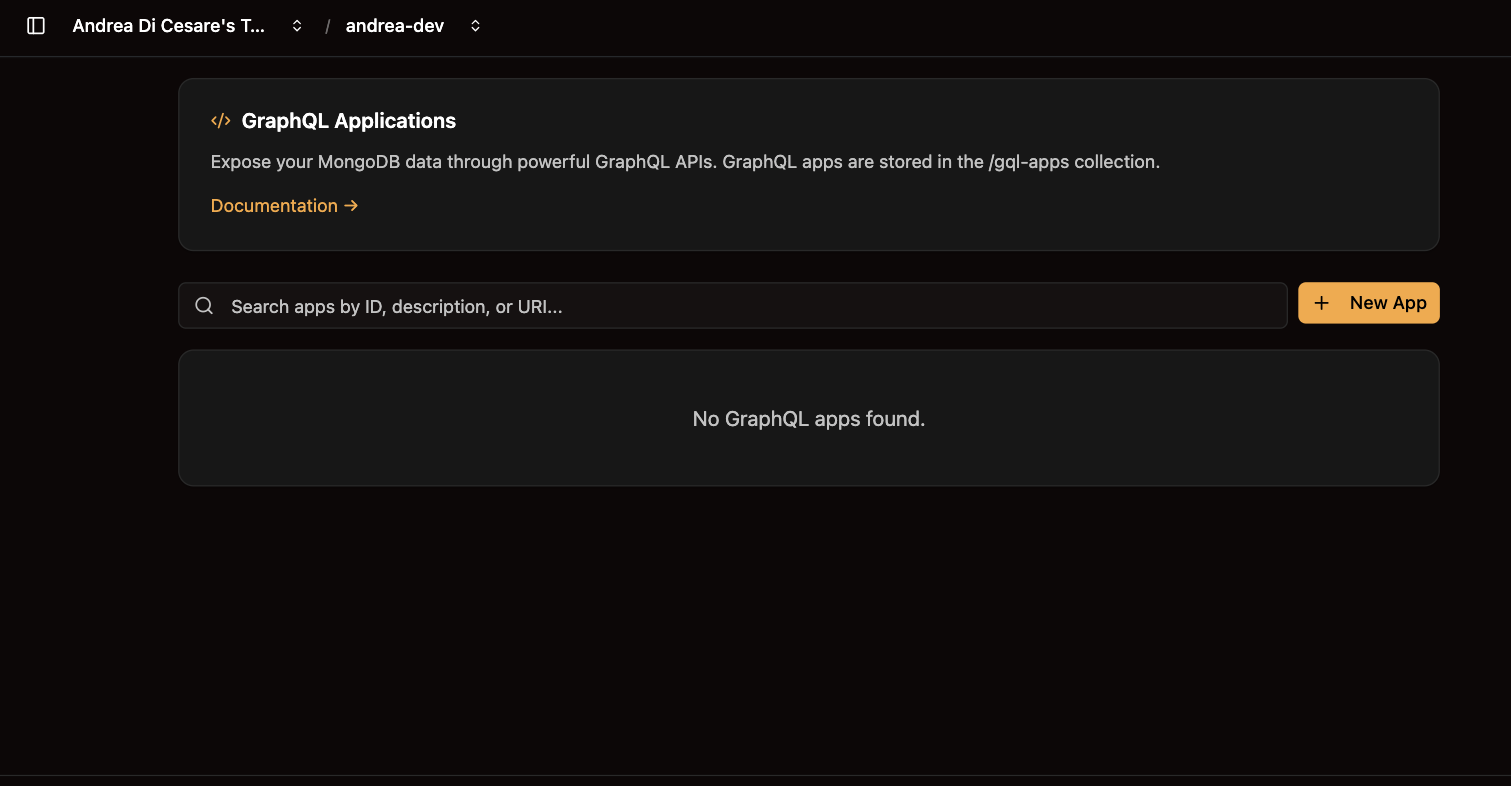
Click New App. The Visual Editor gives you a field for each part; the JSON Editor takes the whole document, which is handy when pasting one from git. Both check what you type, and Format tidies the JSON. Save, and the endpoint answers. Changes take effect at once.
Each app in the list has an enable switch, Edit, Delete, and Copy URL for the endpoint address.
Call it from your app
const res = await fetch('https://f3a9c1.eu-central-1-free-1.restheart.com/graphql/shop', {
  method: 'POST',
  headers: { 'Authorization': 'Basic ' + btoa('alice:secret'), 'Content-Type': 'application/json' },
  body: JSON.stringify({
    query: 'query Orders($status: String) { orders(status: $status) { _id total customer { name } } }',
    variables: { status: 'pending' }
  })
});
const { data } = await res.json();
The user needs a permission on /graphql/shop. Any GraphQL client works: paste the URL from Copy URL into it.
From a script
Apps are documents in the gql-apps collection, /restheart/gql-apps on Dedicated:
| Operation | API |
|---|---|
List |
|
Create |
|
Update |
|
Delete |
|
Query |
|
With rhc, apps are part of the setup file. The full mapping language, with mutations, aggregations as resolvers and batching, is in the GraphQL reference.
Related pages
-
Collections and documents: the data the apps resolve against.
-
MCP server: a GraphQL app you publish is one an AI agent can query too.
-
Permissions: who may query which app.